At Vay, we make EV rentals worry-free. That means you don’t have to recharge the car before ending your rental. If you’re running low on battery, just follow this charging guide—and we’ll cover the charging fees.
Where to charge
In case you run low on battery during a longer trip just visit one of the charging stations mentioned below. After you’ve topped up, pay at the station and we will fully refund you afterwards. We also refund the stopover time during your charge.
Limitations: When picking a charging station, make sure to check whether it:
is publicly accessible (some chargers are limited to customers or club members only)
has a time limit (you will have to move the car in time)
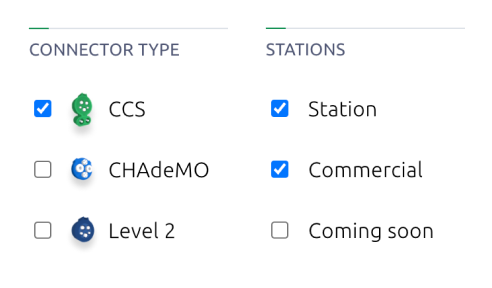
For fast charging make sure the following filters are selected:
Slow Charging
80% charge takes ~6 hrs
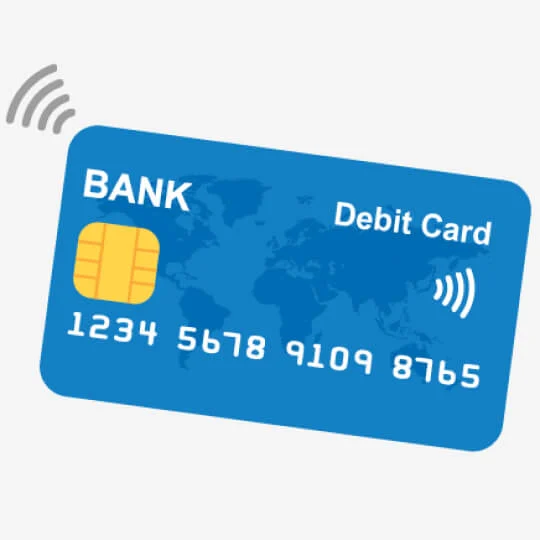
Important: the charging stations listed only work with contactless bank cards (marked with a wireless-like symbol 🛜) or mobile wallet (Apple Pay or Google Pay)
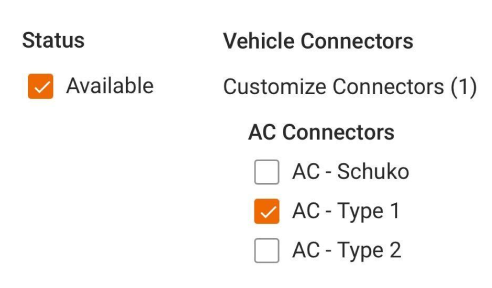
For slow charging make sure the following filters are selected:
Start and end charging
Depending on which charging station you choose, the process slightly differs. You can find the list of recommended charging stations in the corresponding article in the section Where to charge.
Electrify America
STEP 1
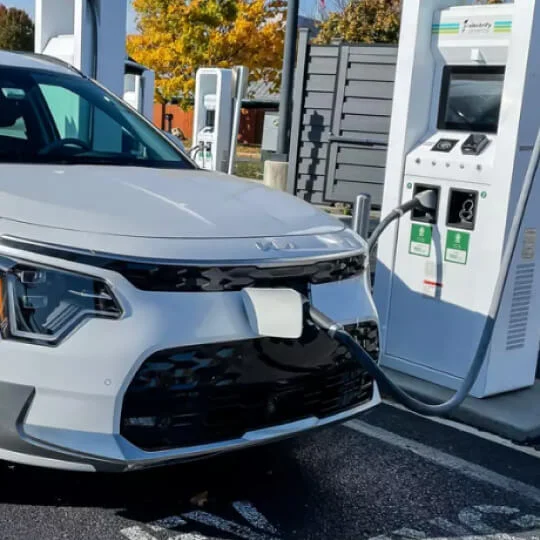
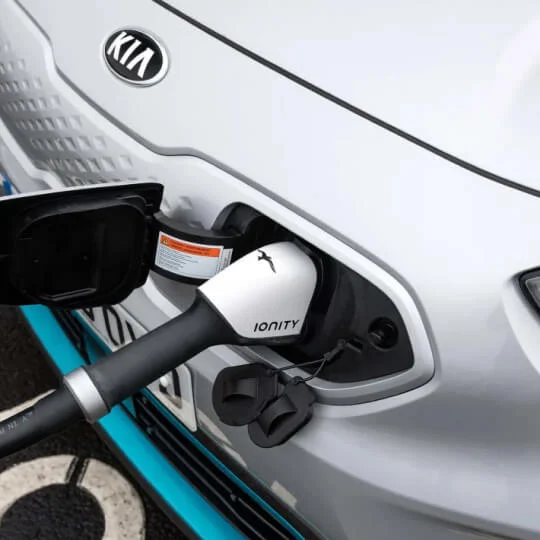
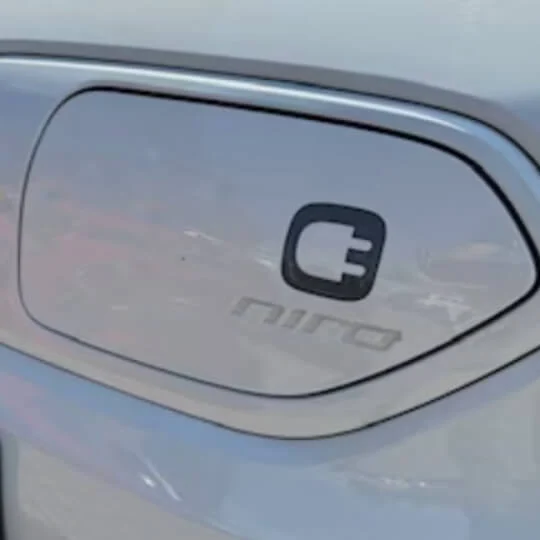
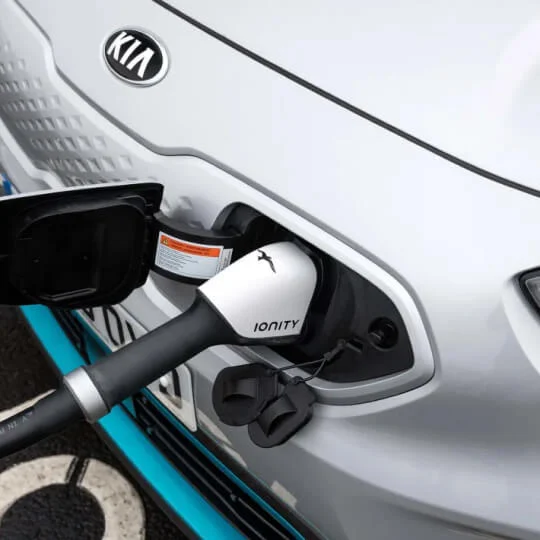
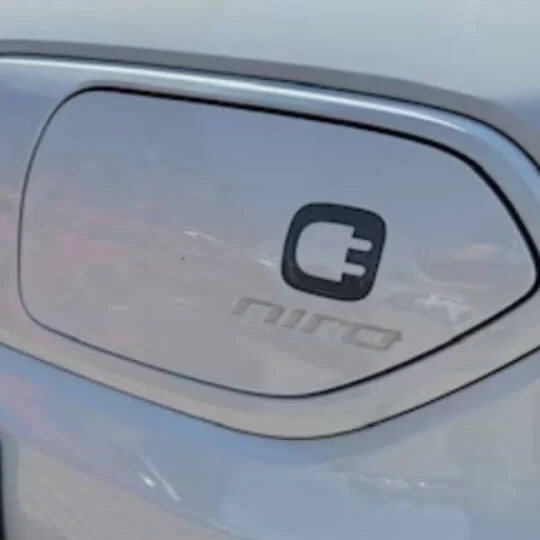
Make sure you park the car close, as the cables are heavy, stiff, and not very long (KIA’s charging inlet is in the front).
STEP 2
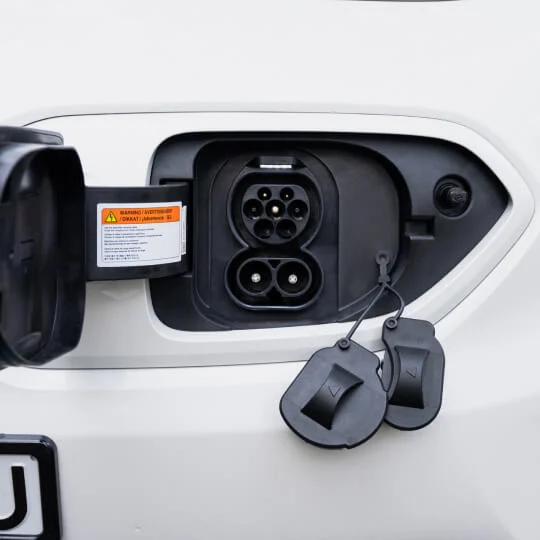
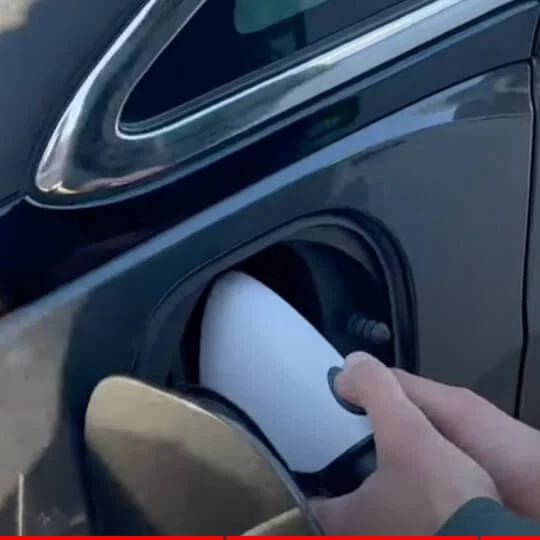
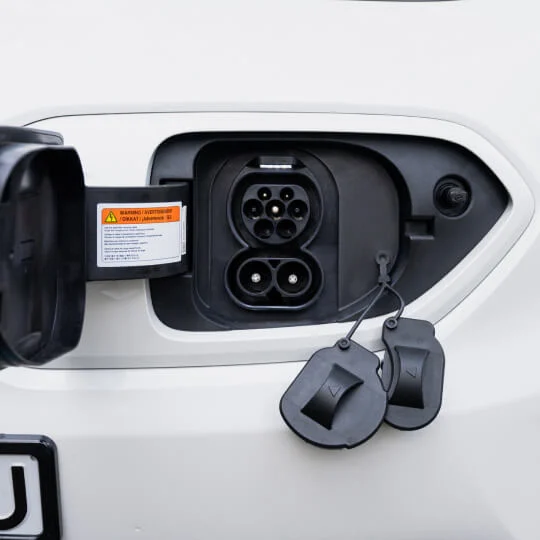
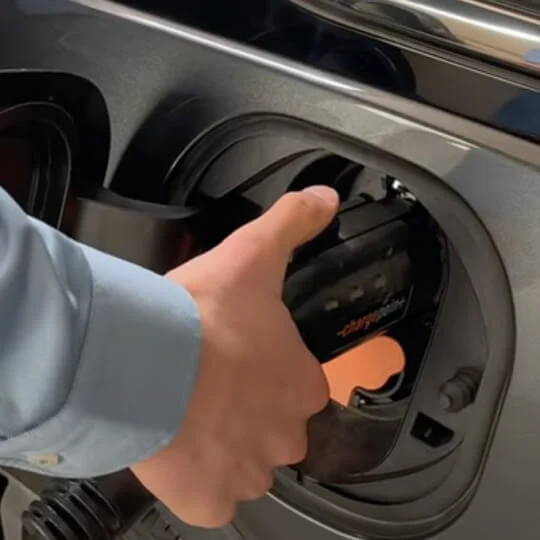
Open the charging cover and remove any plastic lids that cover the inlets.
STEP 3
Plug the cable in until you hear a “click” sound.
STEP 4
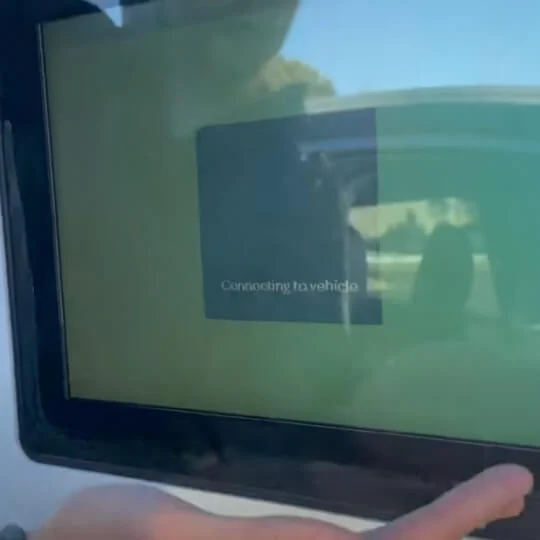
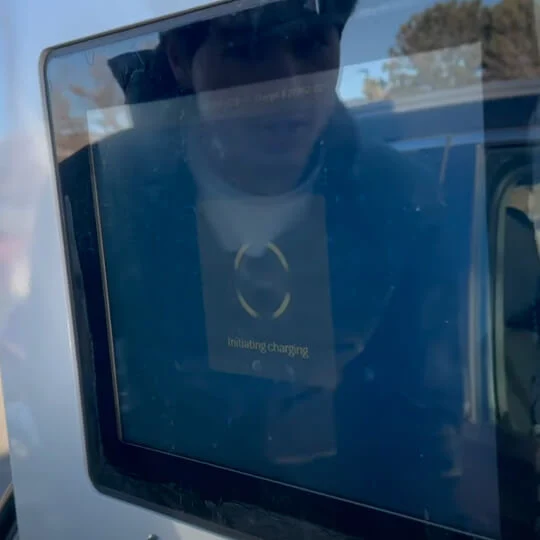
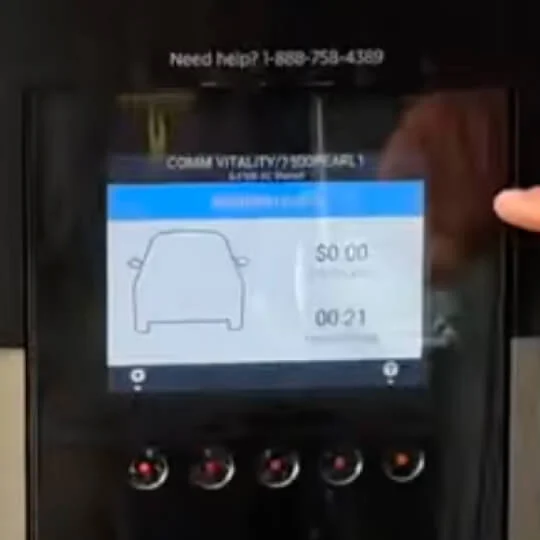
On the station screen you’ll see “Connecting to vehicle”.
STEP 5
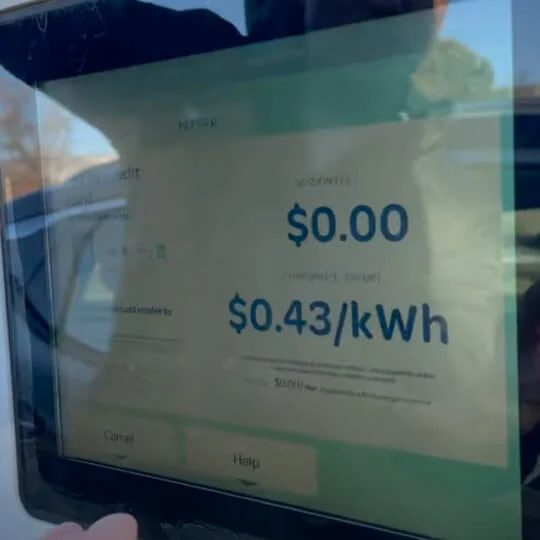
After the station is connected, you’ll be prompted to pay with a credit card or a mobile wallet (Apple Pay/Google Pay).
STEP 6
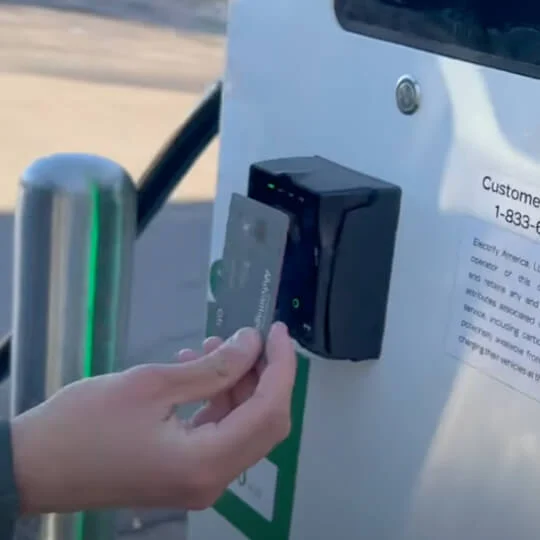
Tap your card or mobile phone at the card reader.
STEP 7
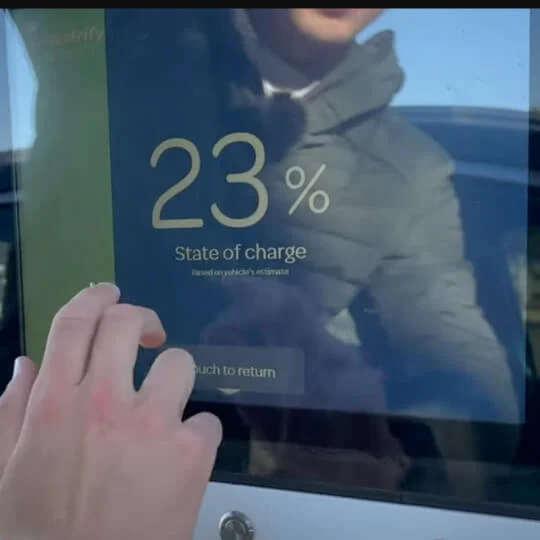
Once your payment is authorized, the station will start charging. Press continue on the screen in order to proceed with the charging process. Do not unplug it after payment or it will restart.
STEP 8
Plug the cable in until you hear a “click” sound.
STEP 9
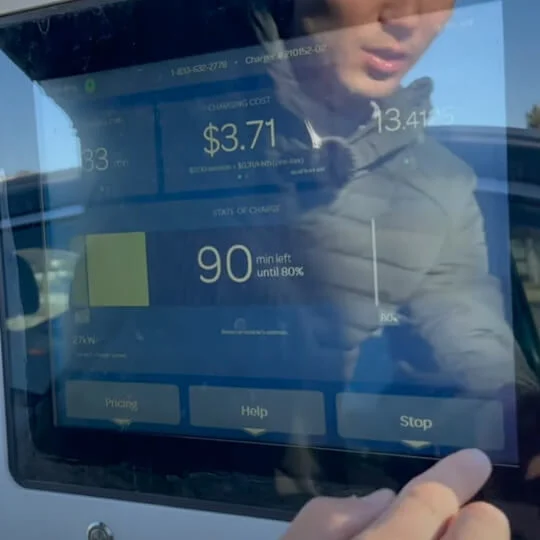
On the screen you’ll see the “Stop” button. Pressing it will end the charging session, and automatically bill your card.
STEP 10
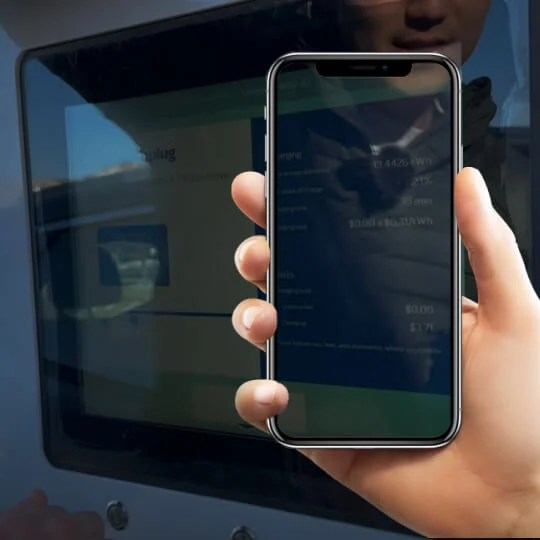
You’ll see the summary screen and might hear a click on the charging inlet – meaning the cable is unlocked.
STEP 11
Take a picture of the summary so you can get a full refund.
STEP 12
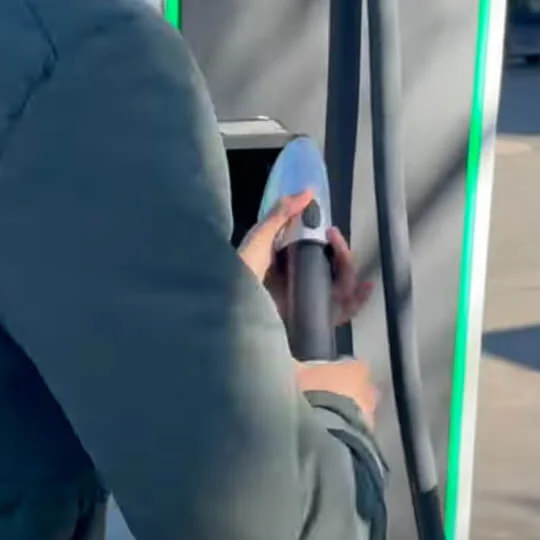
Click the button on the cable head and take the cable out.
STEP 13
Don’t forget to close the plastic lids and the charging cover.
STEP 14
Please be a good citizen and return the cable to the station. 😀
Known issues: There is a number of known issues with Electrify America ranging from stations not working to broken cable heads and card readers. Please contact their support directly if you encounter any inconveniences.
Make sure you park the car close, as the cables are heavy, stiff, and not very long (KIA’s charging inlet is in the front).
STEP 2
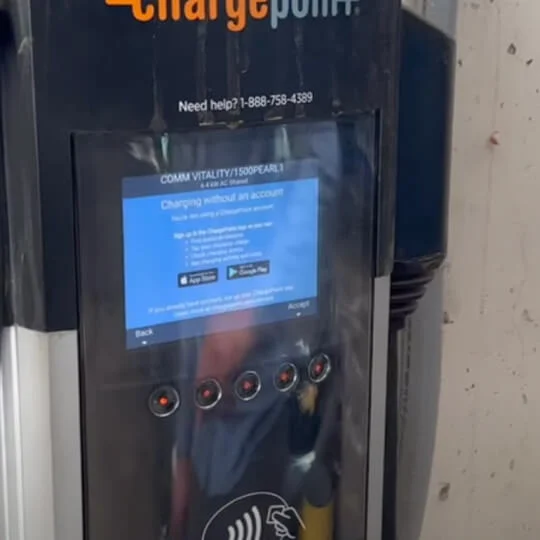
You need to activate that station by tapping a contactless credit card (marked with a wireless-like symbol) or mobile wallet (Apple Pay or Google Play) on the designated area.
STEP 3
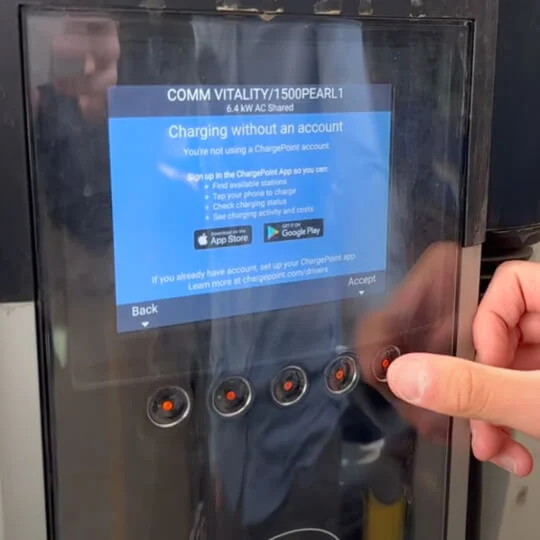
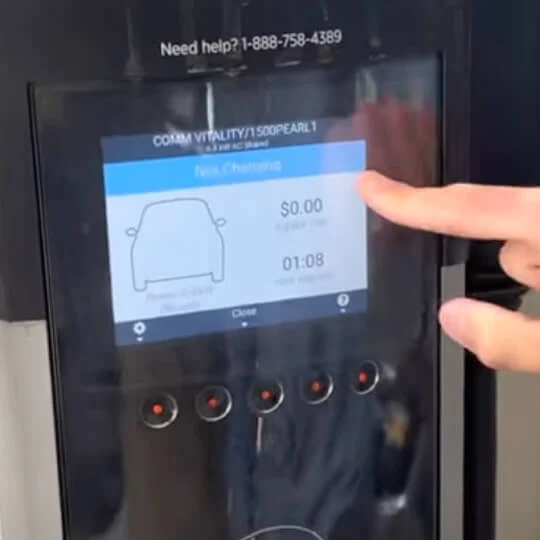
Once your card is authorized you may hear a sound and the screen will change to say “Charging without an account”.
STEP 4
Press the physical button below the screen to accept.
STEP 5
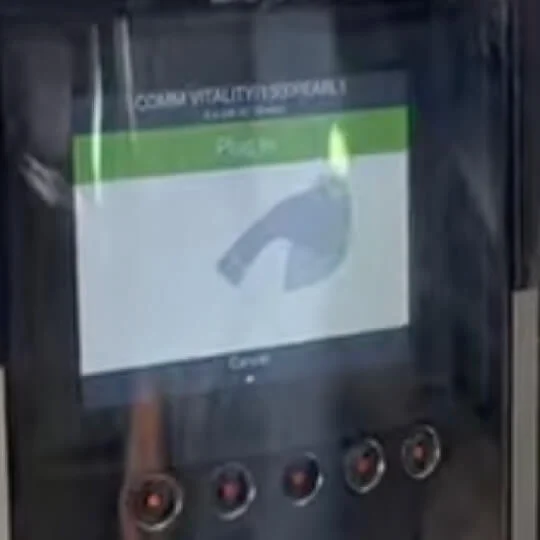
The screen will change again accompanied with a click sound notifying you that it is waiting for you to plug the cable in.
STEP 6
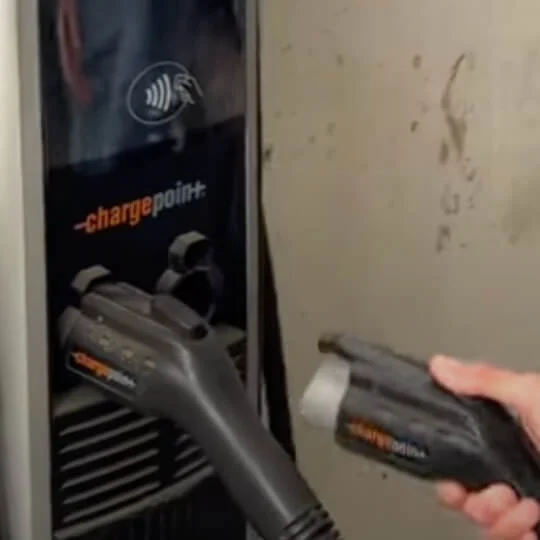
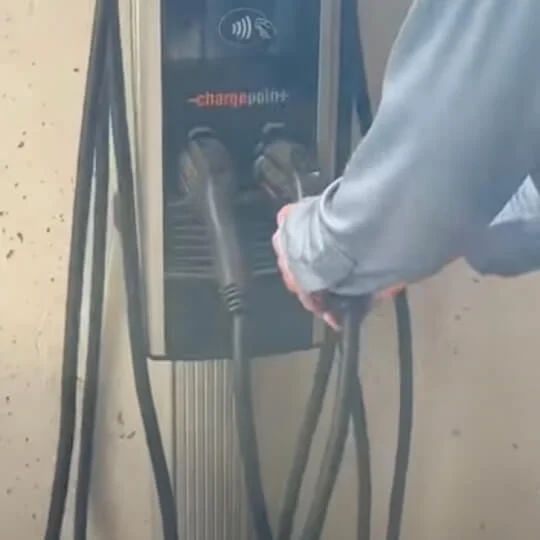
Take the cable from the station.
STEP 7
Open the charging cover, and remove any plastic lids that cover the inlets.
STEP 8
Plug the cable in until you hear a “click” sound.
STEP 9
Once the cable is properly plugged in, the screen on the station will change to show the screen “Waiting for EV”.
STEP 10
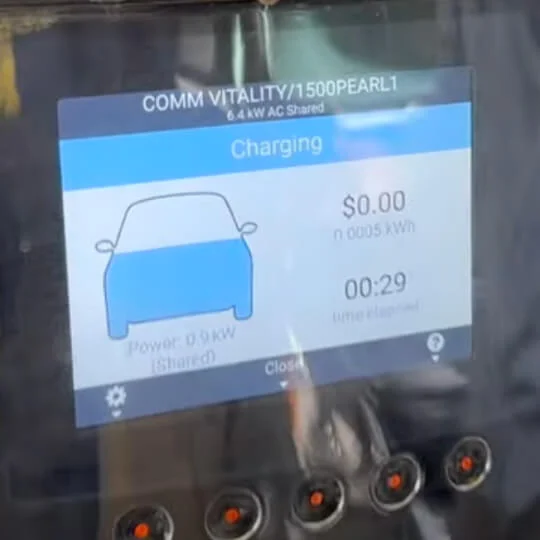
The screen will then automatically change to “Charging”. If it doesn’t please try another station. Please charge as much as your time allows (you’ll be refunded for the whole charge anyway!).
STEP 11
Once you’re done charging, click the button on the cable head and take the cable out.
STEP 12
Don’t forget to close the plastic lids and the charging cover.
STEP 13
Please be a good citizen and return the cable back to the station. 😀
STEP 14
You’ll see the summary of your charge on the screen.
Known issues: There is a number of known issues with Chargepoint ranging from stations not working to broken cable heads and card readers. Please contact their support directly if you encounter any inconveniences.
U.S. and Canada Toll Free (24 hours a day / 7 days a week)
Get refunded for charging
Vay will fully refund you the follow fees:
The charging fee
The stopover fee for the duration of the charge
To get a full refund, please submit the photo of the station screen showing the charging summary, or a screenshot of the bank statement showing the transaction to:
Our customer support will reply in the shortest time possible. Refunds typically take up to 7 days.
When to charge
Our vehicles come charged and ready to go, with charging included in your trip price—plus, if you need a top-up, we’ve got you covered (here’s how).
You don’t need to recharge when returning the car, just remember to keep a little juice left (minimum 30 miles).
How long does charging take
Charging length depends on many factors (temperature, charge level, other cars using the same station, etc.), but the key factor is what type of charging station you chose. Below you can find a rough reference for the two main station types:
Fast charging stations
Also known as DCFC, Level 3
For an 80% charge it takes roughly 45 minutes.
Slow charging stations
Also known as AC, Level 2
For an 80% charge it takes roughly 6 hours.
What if the car doesn’t charge
There is a number of known issues with our recommended charging providers, ranging from stations not working to broken cable heads and card readers. Please contact their support directly if you encounter any inconveniences.